
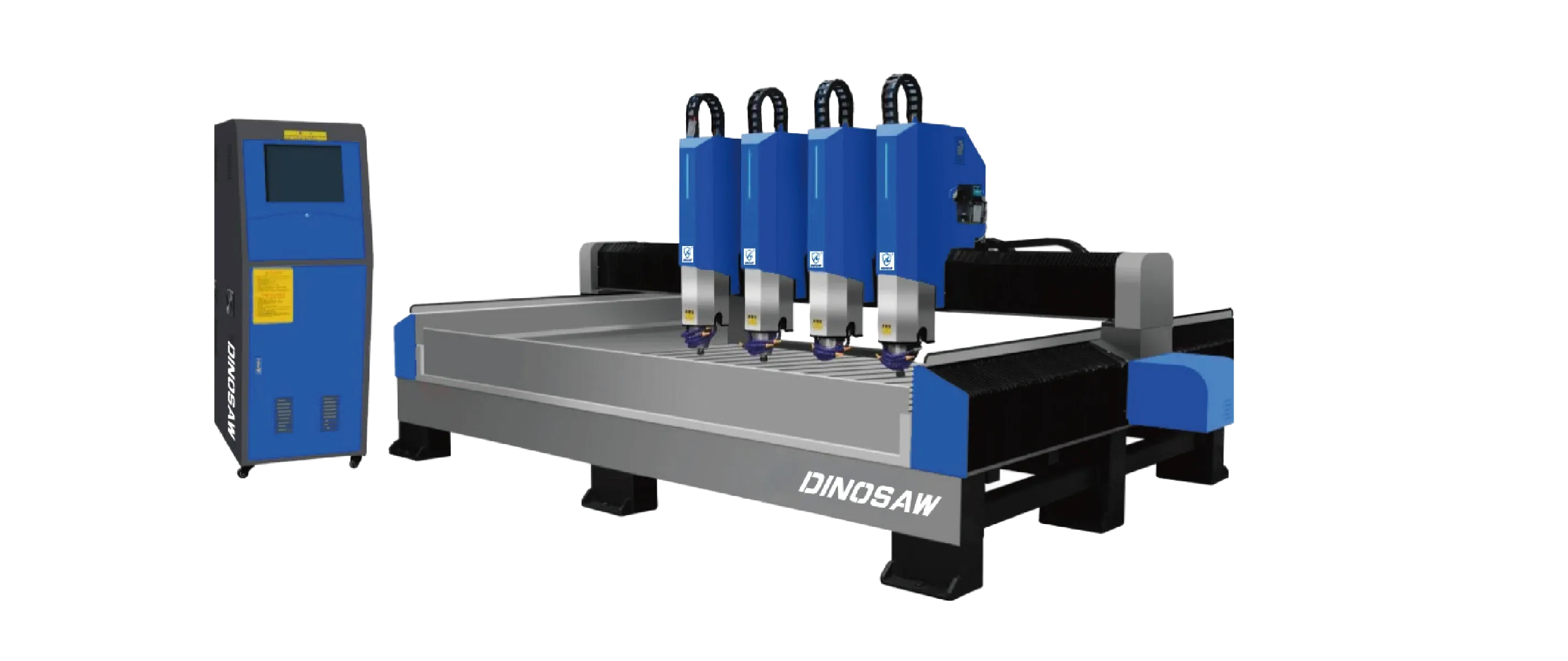
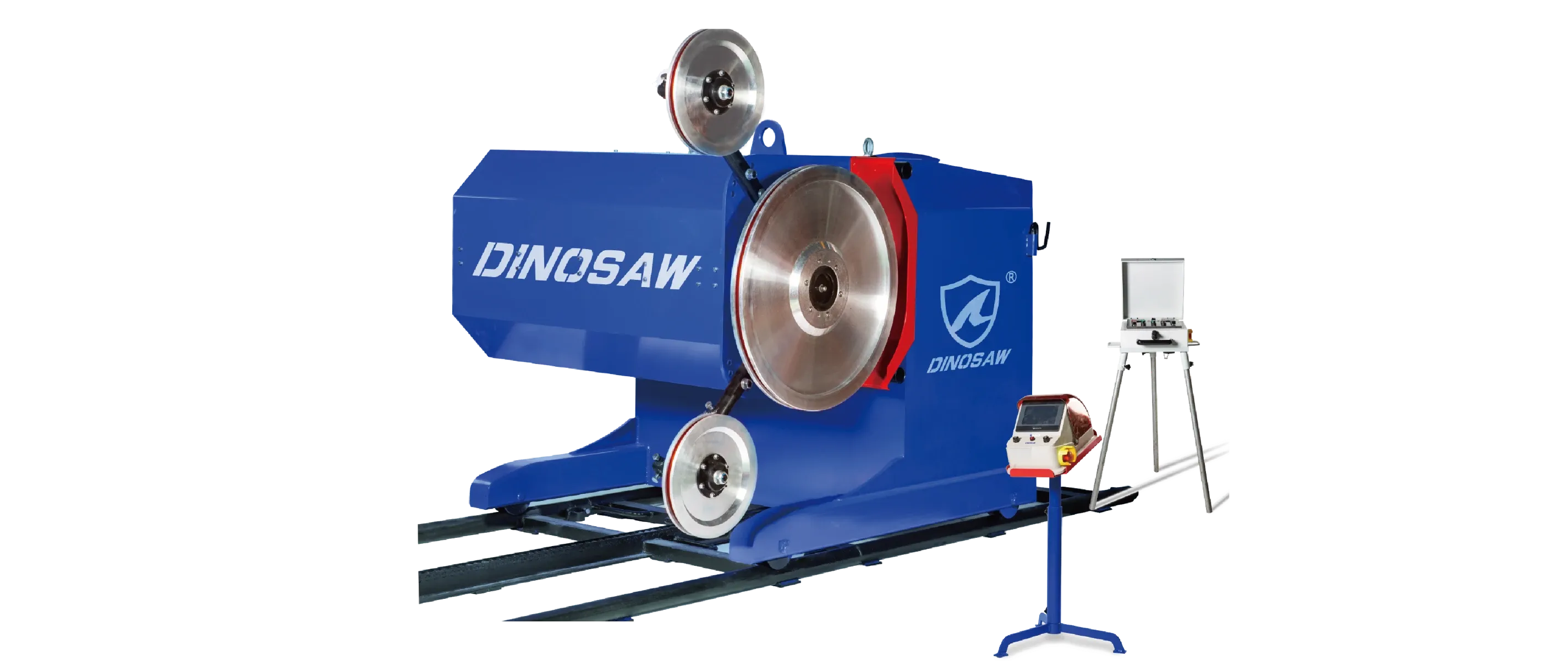
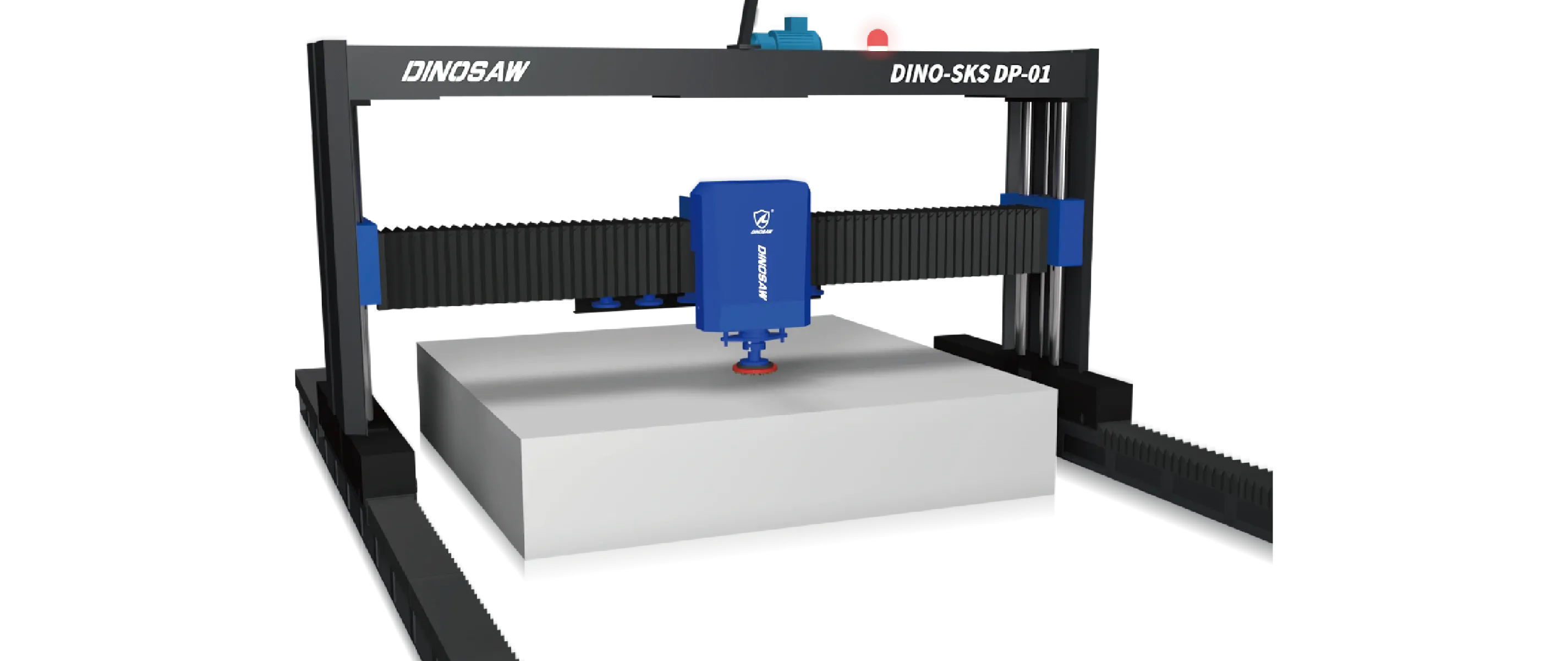








A step-by-step guide to stone lathe maintenance, from guide wheel calibration to troubleshooting alarms. Learn to check diamond tool wear and manage dust control.

A well-maintained CNC stone lathe is a profitable one. To keep precision stable and downtime low, disciplined routines are non-negotiable. This guide provides operators and maintenance teams with actionable Standard Operating Procedures (SOPs), troubleshooting flowcharts, and preventative maintenance schedules for your stone turning machine.

Following these steps will help you extend the life of critical components, ensure operator safety, and maintain the part quality your customers expect.

Ask for our weekly/monthly maintenance checklist PDF.

SOPs for Your Stone Turning Machine

Consistency is key. Implement these SOPs to standardize operations and reduce errors.

Startup & Changeover

Before starting, perform a visual inspection of the machine, checking for leaks or loose components. On a CNC, load the correct program; on a PLC, select the correct recipe. During changeover, ensure the new workpiece is securely clamped and centered, and that the correct tooling is installed.

Calibration & Lubrication

Regular calibration is essential for accuracy. This includes tool-length measurement and, critically, guide wheel calibration to ensure the cutting path is true. Follow the lubrication schedule for all guideways and moving parts using the manufacturer-specified lubricant.

Mode Operations - Manual vs. Automatic

Manual Mode

  • Switch to Manual; the HMI enables manual operations: tool up/down, tool left/right, spindle up/down, fiber/laser on/off (if equipped), work run, main motor run.
  • Press the main motor stop button to halt all operations.

Automatic Mode

  • Switch to Automatic; enter standby on the HMI. Choose the detailed cut or segmented control mode.
  • Select the function as required (e.g., Rough Cut, Fine Cut, Profiling). After the main motor and the work run are enabled, the machine enters the automatic flow.
  • Press the main motor stop button to stop all operations.

Top 10 Troubleshooting Issues for Your Stone Lathe

When issues arise, a structured approach to troubleshooting stone lathe problems saves time. Here are common symptoms and solutions:

SymptomPotential CauseDiagnosis & Action
Vibration / ChatterWorn tool; insecure clamping; incorrect speed/feed.Inspect/replace diamond tool wear. Verify workpiece is secure. Reduce RPM and adjust feed rate. See [Understanding Vibration].
Poor Surface FinishDull tool; incorrect parameters; insufficient coolant.Replace tool. Increase RPM/decrease feed for finishing pass. Check coolant & dust nozzles.
Dimensional InaccuracyTool wear compensation error; loose guideways.Re-measure tool offsets. Check guideways for play and adjust if needed.
Chuck SlippageIncorrect clamping pressure; dirty chuck jaws.Adjust hydraulic pressure. Clean jaws and workpiece surface.
CNC Alarm (Axis Overtravel)Incorrect programming; faulty limit switch.Review G-code for out-of-bounds moves. Manually jog axis off switch and test switch function.
PLC I/O FaultLoose wiring; faulty sensor/actuator.Check PLC diagnostic screen for fault location. Inspect wiring and sensor/actuator connections.
Coolant Flow FailureClogged filter or nozzles; pump failure.Clean filter and nozzles. Check pump motor and impeller.
HMI Communication ErrorLoose Ethernet/serial cable; IP address conflict.Reseat communication cables. Cycle power on HMI and controller. Check network settings.
Parameter DriftUnauthorized changes; power surge during write.Reload from a known-good parameter backup. Implement access control levels.
Safety Interlock FaultMisaligned door switch; faulty E-stop button.Check door closure and switch alignment. Test E-stop circuit for continuity.
Main motor does not startAuto direction at limit; thermal relay trippedCheck if travel limit is reached; reset the thermal relay; verify auto-direction signal.
Lift motor only raises, not lowersFiber/limit signal error; contaminationVerify fiber/limit signal; clean fiber optics; check wiring.
Auto run stops after first cutWorkpiece counting signal abnormalInspect the counter sensor; verify pulse wiring; replace sensor if unstable.
Inverter (VFD) alarmOverload; poor lubrication; bearing damage; wrong parametersCheck external load; inspect lubrication and spindle bearings; verify inverter parameters per manual; replace inverter if damaged.
Power-on display but no operationsBlown fuse; input/output voltage abnormalCheck and replace fuses; verify incoming power and control PSU voltages are within range.
Power-on display, other operations OK, but head display failsLoose input signal to the head; head module faultyReseat connectors; continuity test on signal leads; replace head display if confirmed faulty.

Stone Lathe Maintenance Schedule

  • Daily: Clean machine of slurry and debris. Check coolant levels. Inspect tooling for visible damage. Verify safety guards and interlocks are functional.
  • Weekly: Check and clean coolant filters. Lubricate guideways and ball screws per schedule. Inspect hydraulic lines for leaks. Perform a weekly PLC maintenance check by reviewing alarm history.
  • Monthly: Perform a full parameter backup of the CNC and PLC. Check electrical cabinet filters. Inspect drive belts for tension and wear.
  • Quarterly: Check machine leveling and alignment. Inspect spindle and motor for unusual noise or heat. Review and install any pending PLC/CNC software updates after a full backup.

Field Tips

Experienced operators often share valuable tips:

"Always listen to your machine; a change in sound is the first sign of a problem."

"Use a dial indicator to check runout after clamping a new workpiece, don't just trust the chuck."

"For a deep profile, do it in multiple shallow passes rather than one heavy cut to reduce stress and tool wear."

"Keep a logbook of settings for different stone types; it saves hours of guesswork." .

Get Expert Maintenance Support

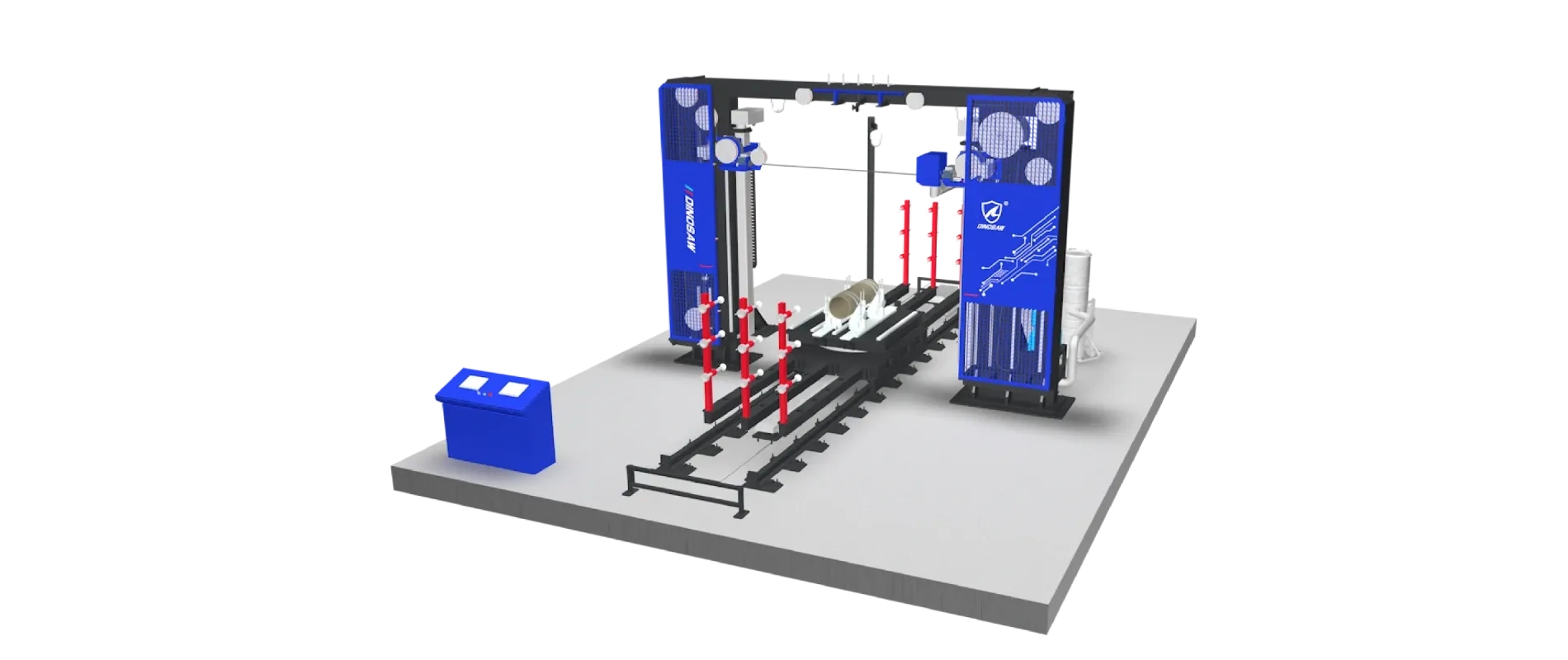
If you encounter a problem you can't solve, our support team is available. Contact us for remote diagnostics or to schedule a service visit for your Bridge-type bidirectional cuts machine.

Frequently Asked Questions

What are daily checks for troubleshooting a stone lathe?

Perform quick condition checks before starting any cutting operations.

  • Listen & Look: Check for adequate coolant flow, listen for unusual noises, and inspect the last-cut part for any decline in finish quality.
  • Safety First: Verify that all safety interlocks and E-stops are fully functional before the shift begins.

How to back up CNC parameters and PLC software safely (parameter backup / software updates)?

Always back up before making changes and keep an off-machine copy.

  • For CNC: Use the control panel's backup function to save all parameters, programs, and tool offsets to a USB drive.
  • For PLC: Connect a laptop with the vendor's programming software to perform a full project upload and save the file securely.

Vertical setup tips to avoid out-of-round parts (horizontal/vertical stone lathe)?

Proper setup requires verifying part seating, secure clamping, and adequate support.

  • Vertical Lathe: Ensure the workpiece is seated flat on the chuck face and use a dial indicator to check for wobble.
  • Horizontal Lathe: Use a tailstock and a steady rest for long parts to counteract tool pressure and gravity, and limit workpiece overhang.

How to monitor diamond tool wear to protect surface finish?

Use both visual inspection and CNC monitoring.

  • Visual Check: Regularly inspect the cutting edges for rounding or chipping.
  • CNC Data: Monitor the motor load; a significant increase often indicates a dull tool. Set up tool life counters in the CNC to trigger alarms after a set number of cutting hours.

What PPE & dust control are required for baluster profiling machine work?

A combination of mandatory Personal Protective Equipment (PPE) and an effective wet cutting process is required.

  • PPE: This includes a P100/N95 respirator, ANSI-rated safety glasses, hearing protection, and steel-toed boots.
  • Dust Control: The integrated coolant and dust capture system (wet cutting) is the primary engineering control. It must be active to suppress silica dust and maintain slurry for proper disposal.